Warranty Information



Check your water heater’s warranty status before submitting a claim. Use our online warranty lookup to confirm your coverage.
Check your water heater’s warranty status before submitting a claim. Use our online warranty lookup to confirm your coverage.
Select your path below for warranty claim information and next steps.
To submit for whole unit residential warranty, please provide:
To submit for residential parts warranty, please provide:
Before replacing any parts or equipment, please contact Technical Support at 1-888-479-8324. Our team will assist in diagnosing the issue and recommend the appropriate next steps.
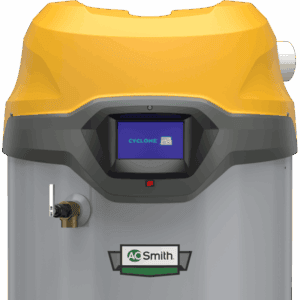
Before replacing any parts or equipment, please contact Technical Support at 1-888-479-8324. Our team will assist in diagnosing the issue and recommend the appropriate next steps.
Complete the form below and bring it to your place of purchase to begin the warranty claim process.
Ensure the form below is completed with the necessary information and bring it with you to your place of purchase to begin the process.